
Member Login
Sign in to your GOEXCH9 account
GoExch9: Online Access to Cricket, Sports and Casino Games
GoExch9 is an online platform that brings cricket exchange markets, sports events, casino games and account services together within one connected interface. Users can access the platform through a Go Exchange ID, manage their account from a central dashboard and explore available categories from desktop or mobile devices.
The platform is structured around simple navigation. Instead of creating separate accounts for different sections, users can access supported sports markets, live games, card games and account features through one GoExch9 login. This makes it easier to move between cricket events, casino categories, transaction records and support services without repeatedly signing in.
Explore Cricket and Sports Markets on GoExch9
Cricket is one of the main categories available through GoExch9. Users can browse domestic and international matches, including Test cricket, one-day formats, T20 competitions and other scheduled events available on the platform.
The cricket exchange section may include pre-match and live markets, depending on event availability. Users can review current market information, understand the available selections and manage their activity through the account dashboard.
In addition to cricket, GoExch9 may provide access to other sports categories such as football, tennis and kabaddi. Available events and markets can vary, so users should review the current platform listings before participating.

Access Online Casino and Live Game Categories
GoExch9 also connects users with a range of online casino categories. These may include slots, table games, card games, live-dealer formats and fast-paced game options.
Popular categories can include:
- Teen Patti
- Andar Bahar
- Dragon Tiger
- Blackjack
- Roulette
- Baccarat
- Poker
- Slot games
- Live-dealer tables
Each game follows its own rules, result system and participation format. New users should read the available game information before starting and understand how outcomes, limits and account balances are managed.

Get Your Go Exchange ID Online
A Go Exchange ID gives users access to the main features available on GoExch9 through one account. After logging in, users can explore cricket exchange markets, sports sections, casino games, live tables, account settings, and transaction records from a central dashboard.
The registration process should remain simple and clear. Users may need to provide basic account details, complete any required verification, and receive their login credentials through the approved registration channel.
For safer access, users should keep their GoExch9 ID and password private, avoid sharing account details, and log in only through the correct website or verified mobile platform. Any claim about instant account approval, fixed verification times, or automatic access should be confirmed before publication.
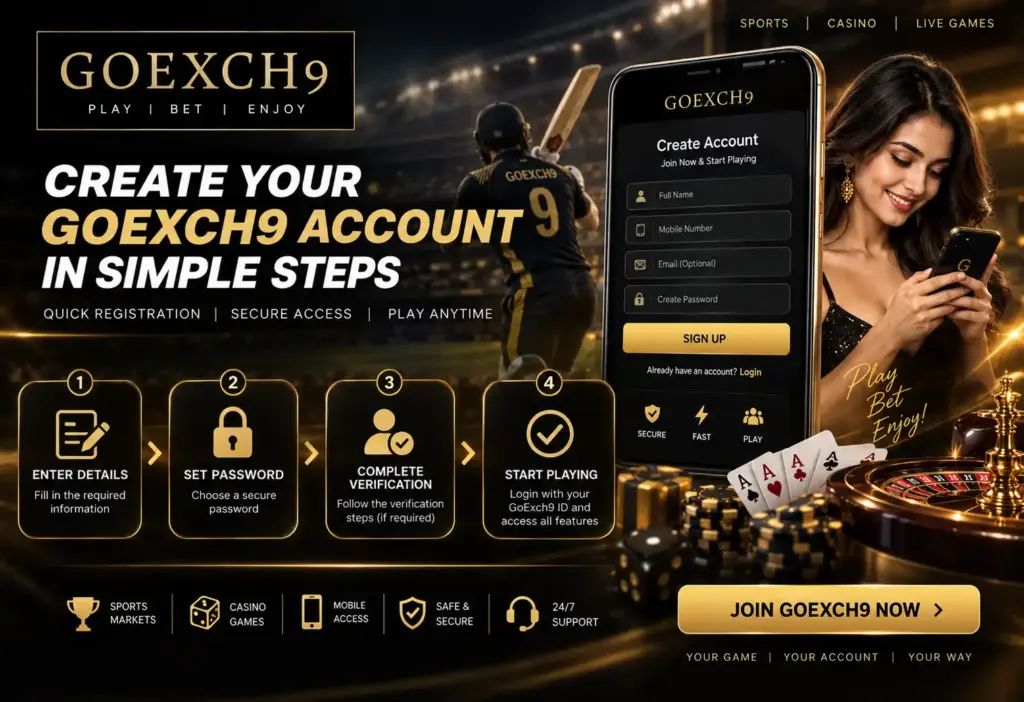
Create Your GoExch9 Account in Simple Steps
GoExch9 registration gives new users access to the platform through a personal account. To begin, enter the required details, choose a secure password, and complete any verification requested during signup.
Once the account is approved, users can log in with their Go Exchange ID and access the dashboard, available sports sections, casino categories, transaction records, and account settings.
Always use accurate personal information, review the terms before registering, and keep your login details private. Registration requirements and verification steps may vary, so users should follow the instructions shown on the current GoExch9 signup page.
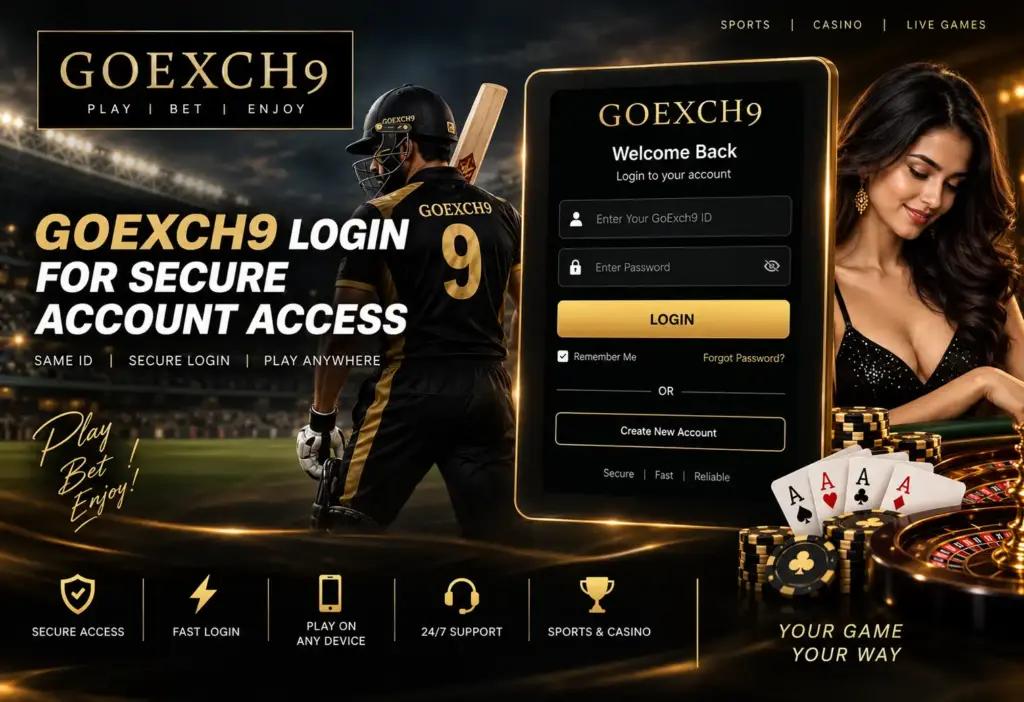
GoExch9 Login for Secure Account Access
The GoExch9 login page allows registered users to access their account using a valid Go Exchange ID and password. After signing in, users can open the dashboard, review balances, check transaction activity, and explore available sports and gaming sections.
Enter your credentials carefully and avoid saving passwords on shared devices. In case of forgotten login details, use the available recovery option or contact verified GoExch9 support for assistance.
For account safety, always confirm that you are using the correct login page and never share your password or verification details with anyone.
Everything You Need Inside the GoExch9 Dashboard
Once logged in, the GoExch9 dashboard becomes the main control area for your account. From here, users can move between cricket markets, sports sections, casino games, live tables, payments, and personal account settings without returning to the homepage.
Balance details and transaction activity are displayed in one place, making it easier to follow deposits, withdrawals, and recent account actions. Users can also review active sections, update selected profile details, and reach support when assistance is required.
A clear dashboard helps users manage their Go Exchange account with fewer steps and quicker access to the platform features they use most.
Follow Live Cricket Markets on GoExch9
Cricket is one of the main attractions on GoExch9, with access to match-based markets across international fixtures, T20 leagues, one-day games, and other scheduled competitions.
Users can explore available pre-match and live options, follow changing market activity, and choose from supported selections such as match results, innings performance, and player-based outcomes. The exchange format also allows access to back and lay options where available.
With mobile-friendly navigation and one Go Exchange ID, cricket users can move from the match list to live markets and account activity without unnecessary steps.

Explore More Sports with Your Go Exchange ID
GoExch9 is not limited to cricket. Users can also browse available markets for football, tennis, kabaddi, and other popular sporting events from the same account.
The sports section is organised by event and competition, helping users find upcoming fixtures, live matches, and available market options without moving between separate platforms. Coverage may vary by schedule, but the single-dashboard setup keeps navigation simple across different sports categories.
Whether following a major football league, a tennis tournament, or a kabaddi match, users can access the available event details through one Goexch9 login.

Discover Casino Games on GoExch9
The GoExch9 casino section brings multiple game categories into one easy-to-browse space. Users can explore slots, table games, card games, live dealer rooms, and fast-action titles based on their preferred style of play.
Classic options such as blackjack, roulette, and baccarat sit alongside Indian favourites including Teen Patti, Andar Bahar, and Dragon Tiger. Each category follows its own rules and pace, giving users a mix of simple, strategic, and live interactive experiences.
With one Go Exchange ID, users can switch between casino sections without creating separate accounts.
1. Spin Through Classic and Modern Slot Games
GoExch9 gives users access to a varied slot section featuring simple reel games, themed video slots, bonus-round titles, and faster formats designed for short sessions.
Each slot comes with its own layout, paylines, symbols, and reward features, so users can choose games based on pace and design rather than following one fixed style. The category is easy to explore on both desktop and mobile, making it simple to move between different titles from the same account.
Game availability may change over time, allowing the slot library to stay fresh and varied.
2. Play Poker Online on GoExch9
The GoExch9 poker section is designed for users who enjoy card-based gameplay with a stronger focus on decision-making and timing. Available formats may include popular poker variants, cash tables, and tournament-style rooms.
Players can review table limits, game rules, and hand rankings before joining. Beginners can start with lower-stake tables, while experienced users can explore more competitive formats where available.
Because poker combines chance with strategy, understanding position, betting rounds, and hand strength can make the experience more engaging. All available poker games can be accessed through the same Go Exchange ID.
3. Take on the Dealer with GoExch9 Blackjack
Blackjack offers a simple objective: build a stronger hand than the dealer without going over 21. GoExch9 users can explore available blackjack tables with different formats, table limits, and playing speeds.
Actions such as hit, stand, double, and split shape each round, giving the game a mix of straightforward rules and active decision-making. New players can review the table instructions before joining, while experienced users can choose faster or live-dealer formats where available.
Blackjack tables can be accessed through the same Go Exchange ID used across the platform.
4. Choose Your Numbers on GoExch9 Roulette
Roulette brings a different style of casino play, built around the spin of the wheel and a wide range of selection types. On GoExch9, users may find classic number-based options along with choices based on colour, odd or even results, and grouped sections of the table.
Different roulette formats may be available, including standard and live-dealer versions. Before joining a table, users can check the layout, available limits, and game rules to understand how each selection works.
The clear table design makes roulette easy to follow on both desktop and mobile screens.
5. Experience Fast-Paced Baccarat on GoExch9
Baccarat keeps the gameplay simple with three main options: Player, Banker, or Tie. GoExch9 users can choose from available digital and live baccarat tables, depending on their preferred pace and style.
Each round is completed quickly, making baccarat suitable for users who prefer clear rules and shorter sessions. Table details, limits, and game formats can be reviewed before play, while live versions add a real-time dealer experience.
The baccarat section can be opened directly through the same Go Exchange ID used across the rest of the platform.
Join Real-Time Live Casino Tables on GoExch9
The GoExch9 live casino section adds a more interactive feel through real-time tables hosted by live dealers. Users can watch each round unfold, place their selections through the on-screen interface, and follow the action as it happens.
Available tables may include live blackjack, roulette, baccarat, Teen Patti, Andar Bahar, and Dragon Tiger. Different room styles and table limits can help users choose an option that suits their preferred pace.
Live games are accessible through the main Go Exchange account, allowing smooth movement between card tables, roulette rooms, and other casino categories.

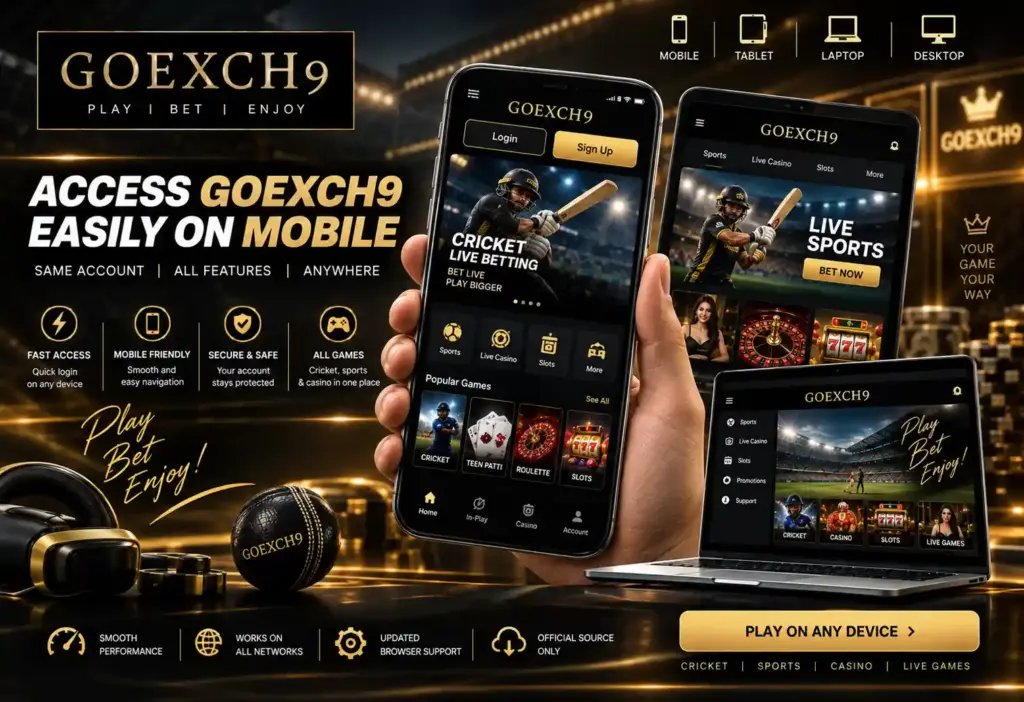
Access GoExch9 Easily on Mobile
GoExch9 is designed to work smoothly across smartphones, tablets, laptops, and desktop devices. Users can log in, check their account, browse cricket and sports markets, and open available casino sections directly from a mobile browser.
The mobile layout keeps key features within easy reach, including account balance, transaction activity, live markets, and game categories. A stable internet connection and updated browser can help improve performance.
Any dedicated Goexch9 app download, Android file, or iOS version should be verified through an official source before installation.
1. Add Funds to Your GoExch9 Account
GoExch9 users can fund their account through the payment options currently supported on the platform. After choosing a method, enter the amount carefully, confirm the payment details, and keep the transaction reference until the balance is updated.
Available options may include UPI, bank transfer, NetBanking, or supported digital wallets. Since methods and limits can change, users should review the latest account instructions before making a deposit.
For smoother processing, always use correct payment details and avoid sending funds through unverified contacts or unofficial channels.
2. Withdraw Funds from GoExch9
To request a withdrawal, open the payment section of your GoExch9 account, select an available method, and enter the required amount. Make sure your account and payment details are correct before submitting the request.
Users can track the withdrawal status through their dashboard or transaction history. Processing times, limits, and verification requirements may depend on the selected method and current account conditions.
For any delayed or unsuccessful request, keep the transaction reference ready and contact verified Goexch9 support for assistance.
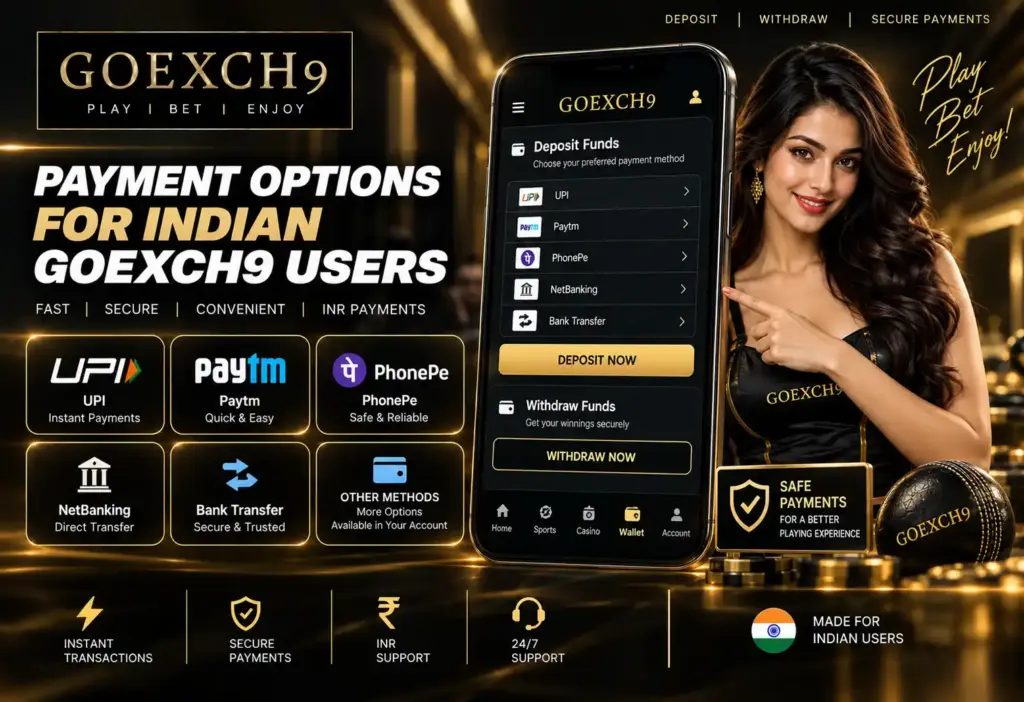
Payment Options for Indian GoExch9 Users
GoExch9 may support familiar INR payment methods such as UPI, NetBanking, bank transfer, Paytm, and PhonePe. The options shown inside the account should always be treated as the current source of information.
Before confirming any transaction, users should check the recipient details, amount, applicable limits, and payment reference. Using an account registered in the same name can also help reduce verification issues.
Supported methods and processing conditions may change, so payment details should be reviewed directly on the GoExch9 dashboard before each deposit or withdrawal.
Get Help Through GoExch9 Customer Support
GoExch9 customer support helps users resolve account, login, payment, and verification issues without navigating multiple sections. Depending on the available channels, users may be able to contact the team through live chat, WhatsApp, or another verified support option.
For faster assistance, keep your Go Exchange ID, registered mobile number, and relevant transaction details ready. Never share your password, OTP, or full payment credentials with anyone claiming to be supported.
Support hours and response times should be confirmed through the official GoExch9 platform.

Frequently Asked Questions: GoExch9
1. What is GoExch9?
GoExch9 is an online platform that combines cricket exchange markets, sports categories, casino games, live tables, payments, and account services in one place.
2. What is a Go Exchange ID?
A Go Exchange ID is the account credential used to log in, access available platform sections, and manage account activity from one dashboard.
3. How do I register on GoExch9?
Open the registration page, enter the required details, complete the available verification steps, and create a secure password.
4. Can I use GoExch9 on mobile?
Yes, users can access the platform through a compatible mobile browser. Any dedicated app should only be downloaded from a verified source.
5. How can I recover my login details?
Use the available password-recovery option or contact verified GoExch9 customer support for account assistance.
6. Which payment methods are available?
Payment options may include UPI, NetBanking, bank transfer, Paytm, and PhonePe, subject to current platform availability.